
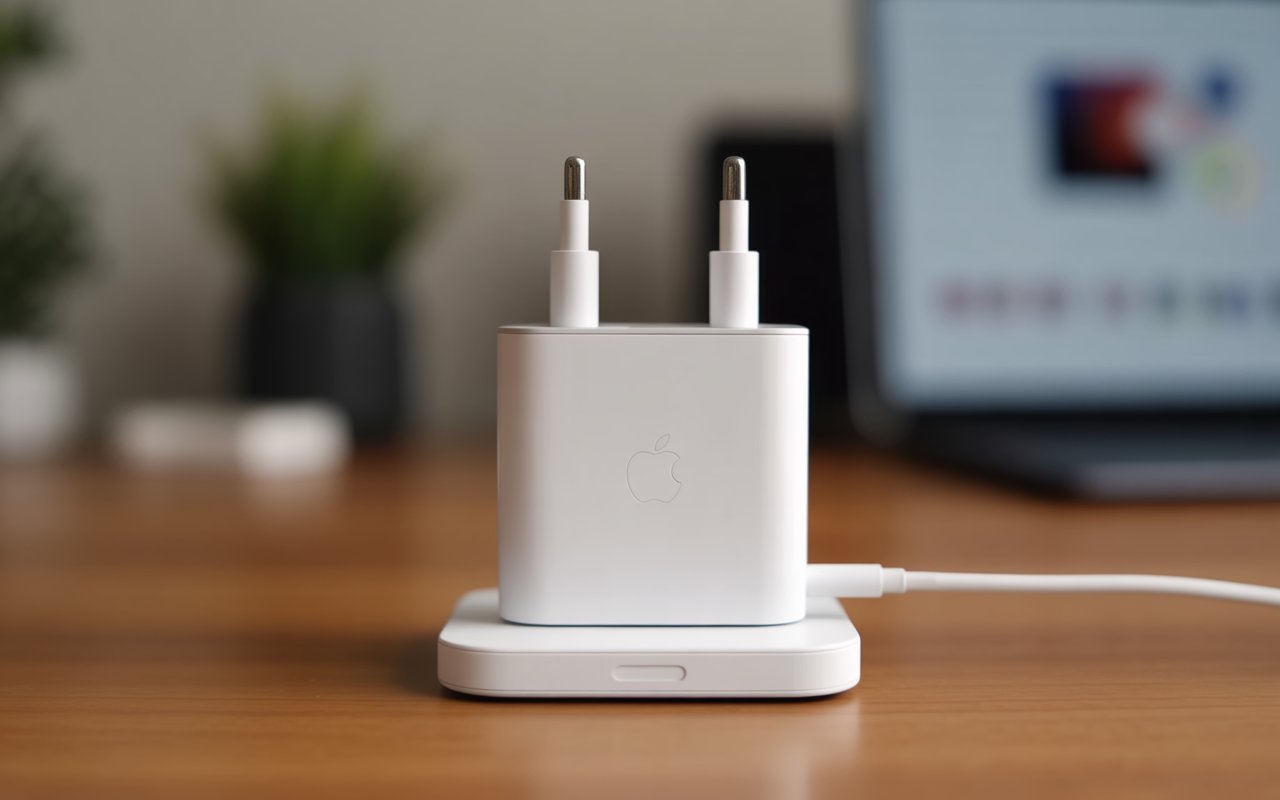

When was the last time you plugged in your phone and wondered, “Is this charger really safe for my device?” If you use an Apple product, this question is more important than ever. Apple chargers have evolved significantly over the years—moving from chunky power bricks to sleek, fast-charging adapters that promise efficiency and safety. And with so many options in the market today, understanding which charger is right for you can feel like navigating a maze.
In this comprehensive guide, we’ll walk through everything you need to know about Apple chargers: how they work, why they cost what they do, the differences between official and third-party versions, and what you should look for to keep your devices powered without compromise. Think of this article as your map, helping you move through the world of chargers with confidence—much like following a GPS through unfamiliar terrain.
H2: The Evolution of Apple Chargers Over the Years
Apple’s charging accessories have gone through a noticeable transformation. Each generation brought changes in design, efficiency, and compatibility.
H3: The Early Days of Apple Charging
In the early years, Apple chargers were simple. They used standard USB connectors and low-wattage power bricks. These early adapters were ideal for basic charging needs but slow by today’s standards.
H3: The Shift to USB-C
As Apple advanced, the company embraced USB-C for faster data transfer and higher power delivery. This shift aligned Apple with global tech trends and made charging more versatile across devices.
H3: Fast Charging Becomes Standard
Fast charging became a game-changer. Today, many Apple devices—including iPhones and iPads—support accelerated charging with the right adapter. This allows users to go from low battery to usable charge in minutes, not hours.
H2: Understanding How Apple Chargers Work
At its core, an Apple charger converts power from an outlet into a safe voltage for your device. But there’s more happening behind the scenes.
H3: Smart Power Delivery
Most modern Apple chargers come with intelligent power distribution. This ensures your device never receives too much power, which helps extend battery life.
H3: Voltage and Wattage Explained
Wattage determines how quickly your device charges. For example:
-
5W — Older iPhone chargers
-
20W — Modern iPhone fast chargers
-
30W to 65W — iPad and MacBook Air
-
96W to 140W — High-end MacBook Pro models
Using the correct wattage is crucial for optimum performance.
H2: Types of Apple Chargers Available Today
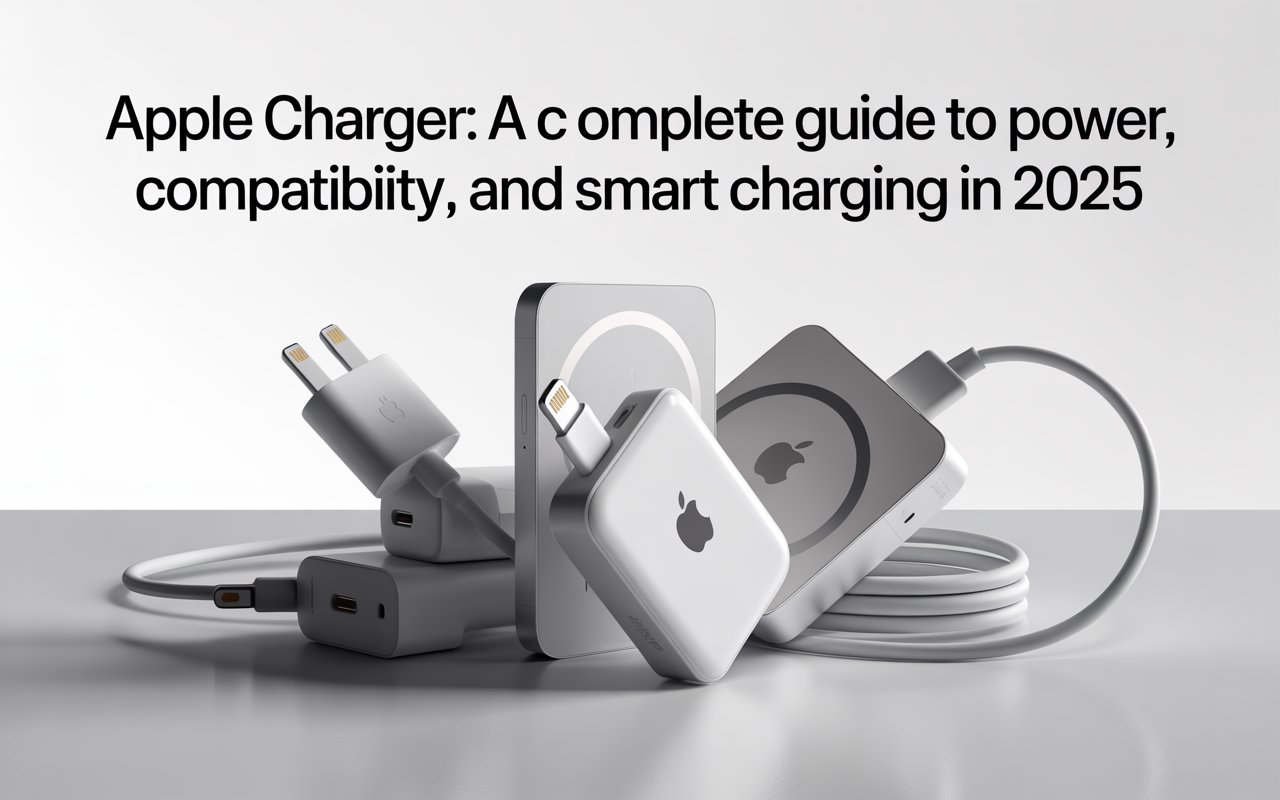
Apple offers an array of chargers for different devices and purposes. Let’s break them down.
H3: USB-C Power Adapters
The most common Apple chargers today are USB-C adapters. They deliver better speed and higher efficiency compared to older USB-A options.
H3: MagSafe Chargers
MagSafe introduced magnetic charging, allowing users to snap the charger onto the back of an iPhone. It’s modern, practical, and loved for its wireless convenience.
H3: MacBook Chargers
MacBook chargers are available in various wattages. Modern MacBooks use USB-C, while some legacy models use MagSafe connectors. MacBook chargers are optimized for sustained power delivery to support bigger batteries.
H3: Wireless Chargers
Apple’s wireless chargers use Qi technology. These chargers are great for overnight charging and clutter-free setups.
H2: Differences Between Official and Third-Party Apple Chargers
Many people wonder whether they should buy official Apple chargers or cheaper alternatives. Let’s compare.
H3: Build Quality
Apple chargers undergo rigorous safety testing. Third-party brands vary widely: some are excellent, while others may risk overheating or slow charging.
H3: Chip Certification
Official Apple chargers include safety chips. Certified third-party chargers carry the MFi label—“Made for iPhone”—meaning Apple approves them. Anything without MFi certification may harm your device.
H3: Longevity
High-quality chargers last longer. A cheap charger might cost less upfront but fail sooner, costing more in the long run.
H3: Safety Concerns
Low-quality chargers can cause:
-
Battery swelling
-
Short-circuiting
-
Overheating
-
Reduced battery health
This alone makes official or MFi chargers worth the investment.
H2: Choosing the Right Apple Charger for Your Device
Choosing the right charger isn’t just about convenience—it affects speed, performance, and battery lifespan.
H3: For iPhone Users
Most modern iPhones support 20W fast charging. A USB-C to Lightning or USB-C to USB-C cable (depending on model) will give you the fastest results.
H3: For iPad Users
iPads require stronger chargers. Depending on the model, you may need 20W, 30W, or 45W.
H3: For MacBook Users
MacBooks require higher wattages. You must check your exact model’s requirements for optimal charging.
H3: For Travelers
If you’re often on the go, compact chargers or multi-port adapters make an excellent choice. They keep your bag light and reduce clutter.
H2: Tips to Extend the Life of Your Apple Chargers
Chargers may seem durable, but they need proper care to ensure long-term performance.
H3: Avoid Bending the Cable
Most cable damage happens near the connector. Keep it straight and use cable protectors if needed.
H3: Keep Chargers Cool
Heat damages both cables and adapters. Avoid covering your charger while it’s in use.
H3: Store Them Properly
Avoid stuffing chargers into bags without organizing them. This results in wear and tear over time.
H2: Common Myths About Apple Chargers
Let’s clear up some misconceptions.
H3: “Third-party chargers ruin your battery.”
Not always true. Certified chargers are safe. The danger lies in uncertified, cheap alternatives.
H3: “Higher wattage will damage the device.”
Apple devices regulate power input. A higher wattage charger won’t damage your device as long as it’s Apple-approved.
H3: “Wireless charging is bad for the battery.”
Wireless charging generates more heat, but modern technology minimizes possible damage.
H2: Why Apple Chargers Are More Expensive
Many users ask: “Why do Apple chargers cost more?” The price reflects several factors:
H3: Premium Materials
Apple uses durable materials designed for longevity and consistent performance.
H3: Advanced Safety Features
Every charger undergoes multiple safety checks.
H3: Efficient Power Delivery
Apple optimizes charging for battery health, which cheaper chargers cannot guarantee.
H2: How to Identify Fake Apple Chargers
Counterfeit chargers look convincing but pose safety risks.
H3: Check the Label
Fake chargers often have printing errors, unusual fonts, or missing information.
H3: Look at the USB Port
Official ports are sturdy and precisely aligned. Fake ones may feel loose or uneven.
H3: Verify Certification
Look for “Designed by Apple” and safety symbols.
H2: The Future of Apple Charging Technology
The future seems to be leaning heavily toward wireless solutions and environmental sustainability.
H3: Wireless Evolution
Apple is gradually shifting toward a port-less future, where devices may rely entirely on wireless power.
H3: Eco-Friendly Design
Apple aims to reduce electronic waste by encouraging reusable accessories and modular components.
H2: Final Thoughts
Apple chargers may seem simple, but they play a crucial role in protecting your devices and enhancing performance. While cheaper alternatives can be tempting, choosing the right charger ensures safety, speed, and longevity. The next time you’re selecting an adapter or cable, you’ll know exactly what to look for—and why the right choice matters.
FAQ
1. Can I use a higher-watt charger with my iPhone?
Yes. Apple devices regulate the power the battery receives, so using a higher-watt adapter won’t harm your iPhone.
2. Are third-party Apple chargers safe to use?
Only MFi-certified chargers are recommended. Non-certified versions may damage your device or charge slowly.
3. Why do Apple chargers break so easily?
The cables are thin for flexibility. With proper care—like avoiding sharp bends—they last much longer.
4. What is the fastest way to charge an iPhone?
Use a USB-C 20W fast charger with an Apple-certified cable. This delivers quick and safe charging.
5. Is wireless charging as safe as wired charging?
Yes. Apple-designed wireless chargers follow strict safety standards, although they may produce slightly more heat.




